SERVICE DESK & CUSTOMER SUCCESS

Support

From the first request to resolution. From your first go-live to ongoing support. One connected service desk, with the people and records behind every ticket.

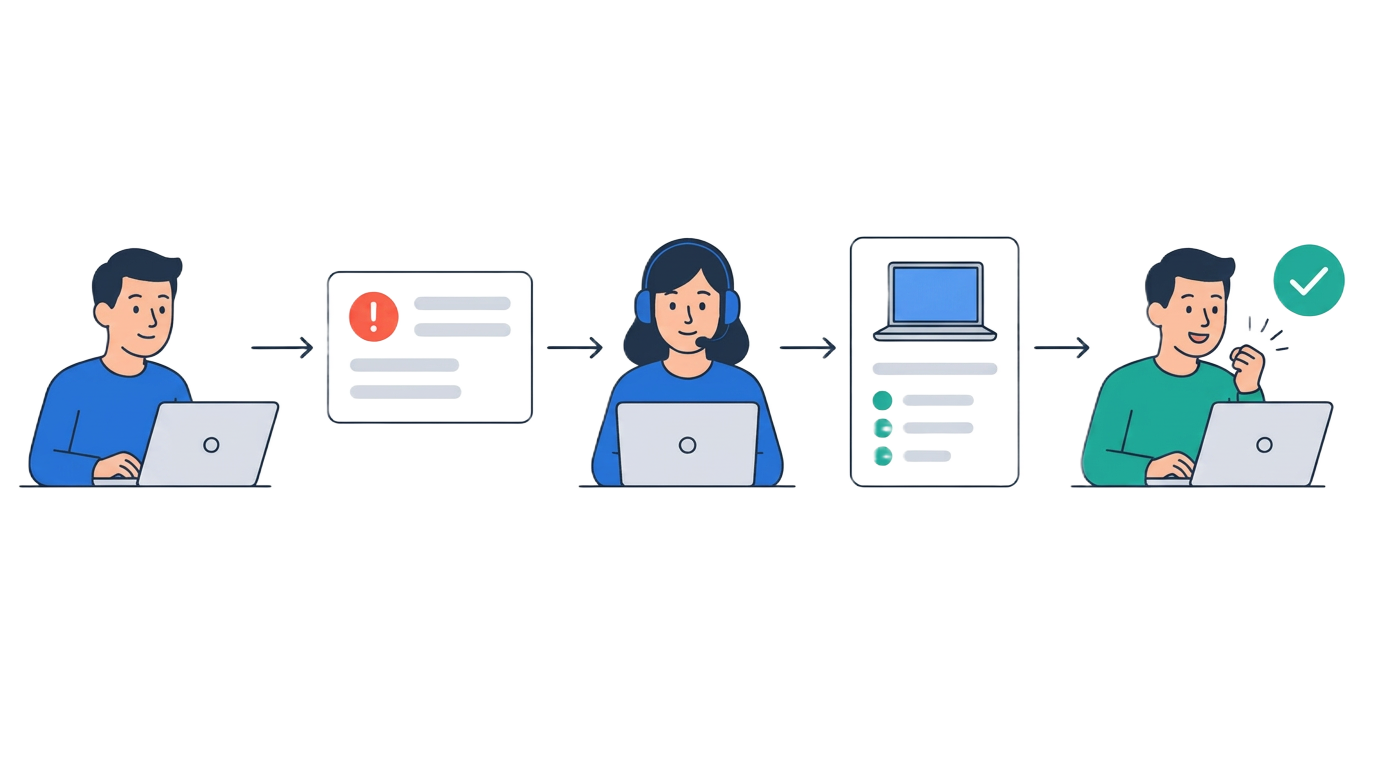
An employee request becomes a ticket, reaches an agent and resolves with linked asset context.
01 / WAYS TO GET HELP

Every channel. The same connected service.

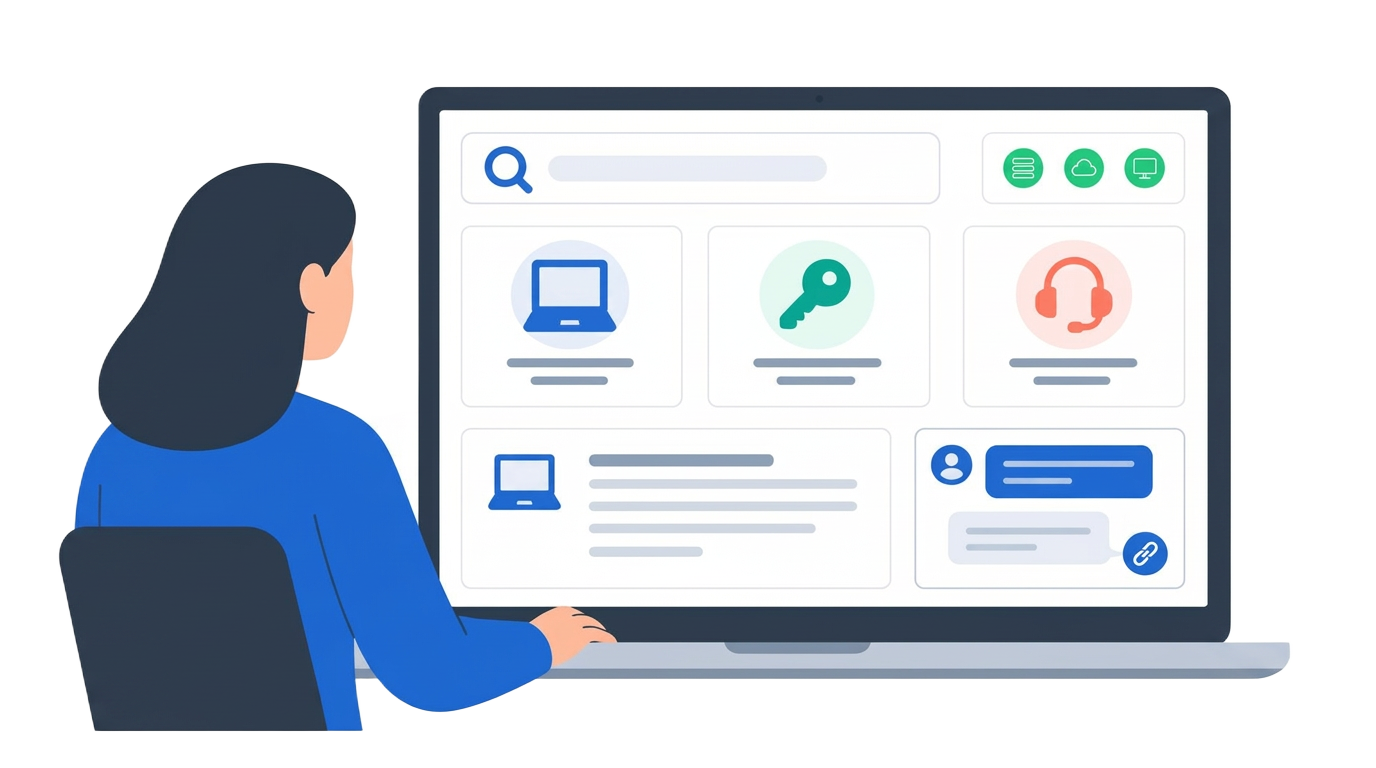
Employees can find an answer or raise work without losing the context your team needs.

02 / STAGES OF SUPPORT

The right flow for each kind of work.

Incidents, requests and planned changes share the same records, but need different decisions.

Restore service with the right context.

Log an interruption through the portal, email, website or AI assistant. Keep the affected asset, supporting contract and supplier linked to the same ticket.

  1. 01

    Log

    Capture the issue, conversation and attachments in one ticket.

  2. 02

    Triage & route

    AI suggests category and priority. Routing sends the work to the owning team and least-loaded available agent.

  3. 03

    Investigate

    Check the linked asset, warranty, contract and supplier. Use internal notes for the team and public replies for the requester.

  4. 04

    Resolve & review

    Resolve the ticket and automatically send a satisfaction survey. Collect recurring issues into a problem.

03 / THE FULL SUPPORT TOOLKIT

More than a ticket queue.

Service management, self-service and connected operational records, all in the same platform.

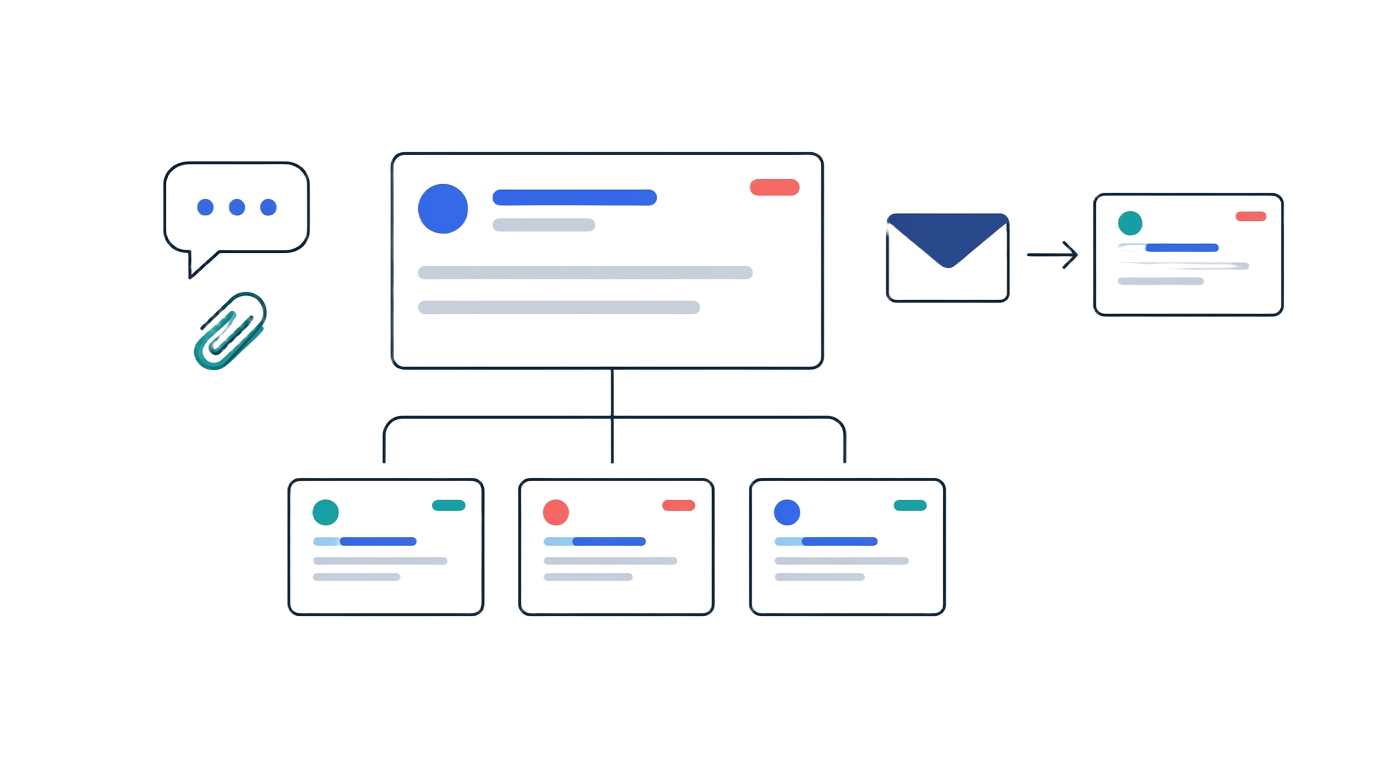
A ticket with linked child tickets, conversation, attachment and email-to-ticket flow.
01

Tickets, communication & incident coordination

  • Incidents and service requests
  • Major incidents with parent and child tickets
  • Ticket merging and duplicate handling
  • Internal notes and public replies
  • Attachments and one detail page per request
  • Inbound email-to-ticket and public ticket tracking links
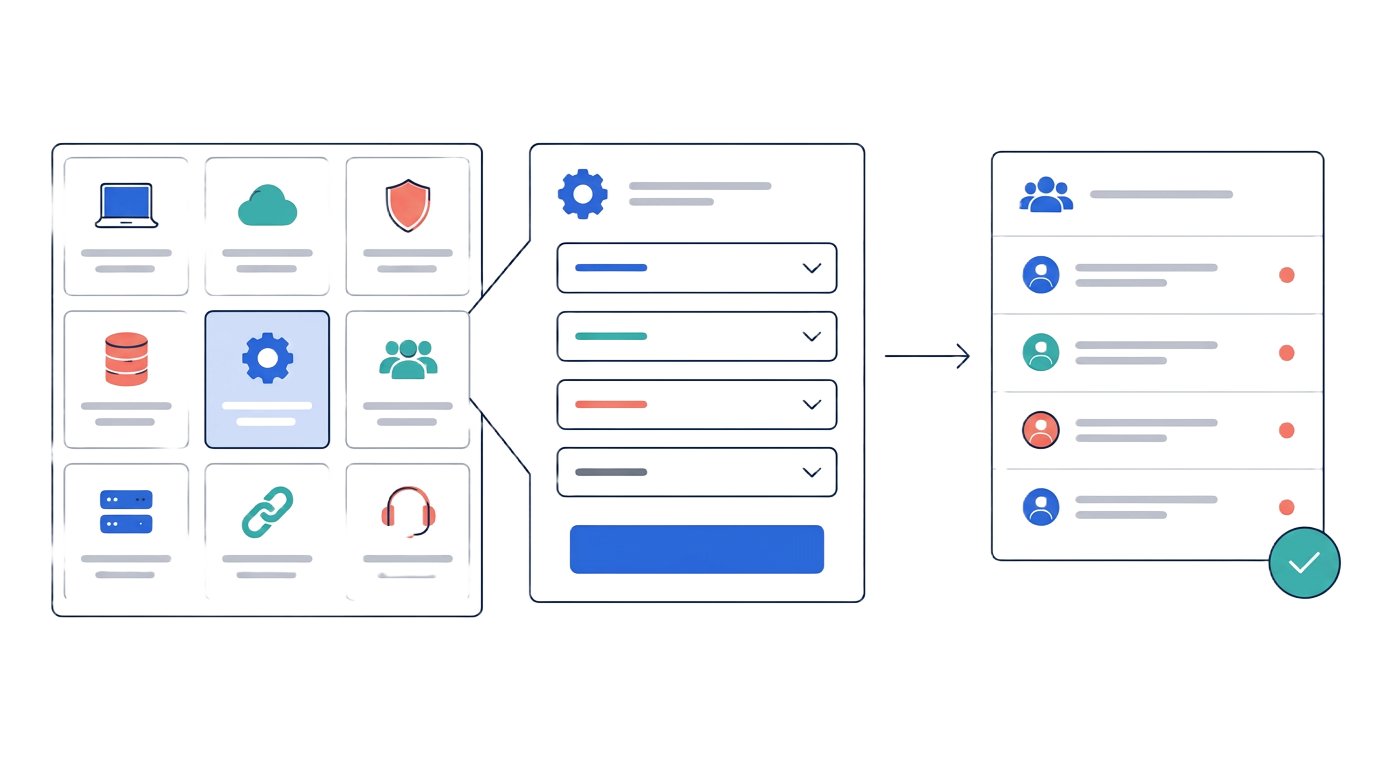
Service tiles opening into a tailored form, routed to a team queue with approval.
02

Service catalog, routing & approvals

  • Tailored intake fields for each service
  • Live dropdowns for locations and approved software
  • Requests on behalf of a colleague
  • Owning-team and workload-based routing
  • Assignment to the least-loaded available agent
  • Approvals and status notifications at every step
  • Popular services on the home page
  • Onboarding and offboarding wizards
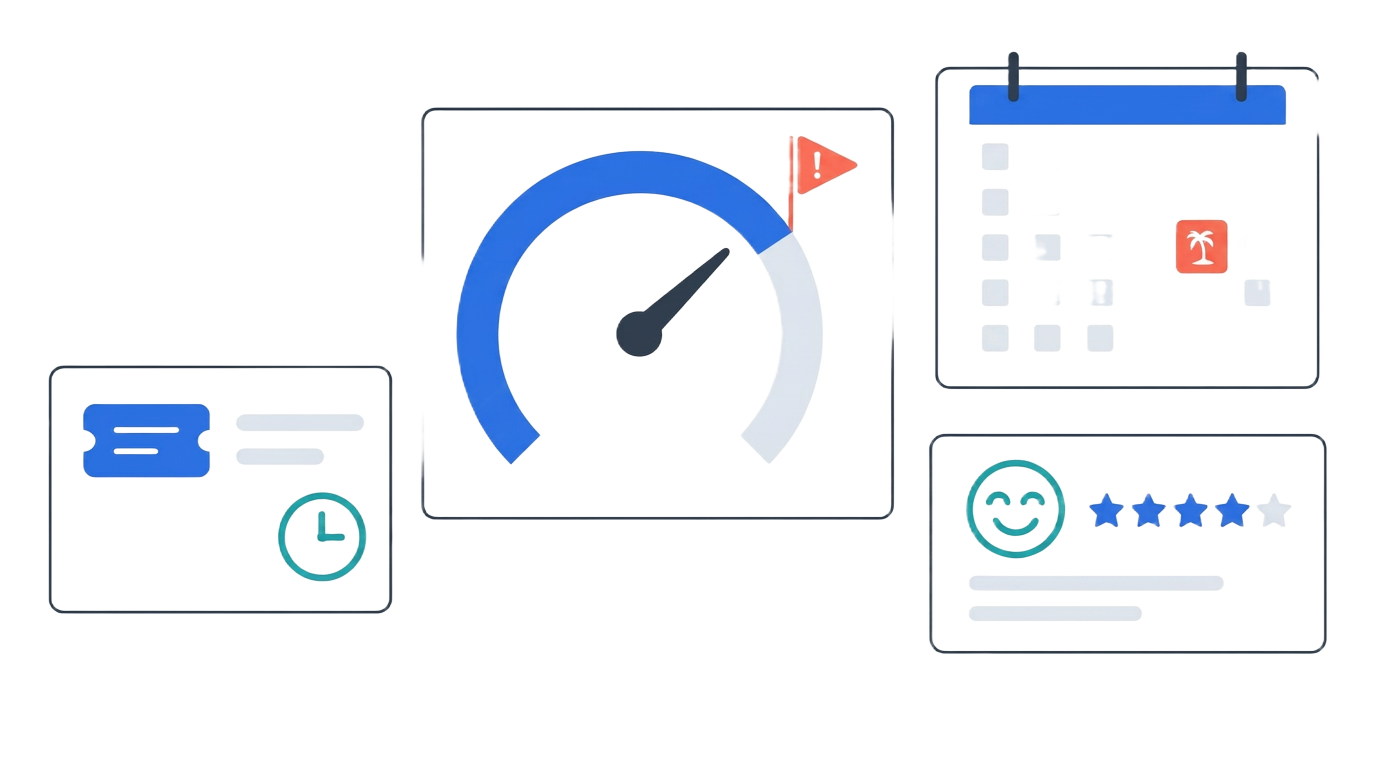
An SLA gauge with a warning flag, business calendar, ticket clock and satisfaction survey.
03

SLAs, business schedules & satisfaction

  • SLA policies and targets
  • Business-hours due dates
  • Business schedules with holidays
  • Agent warnings at 75% of target
  • Breach alerts
  • Automatic requester satisfaction surveys when tickets are resolved
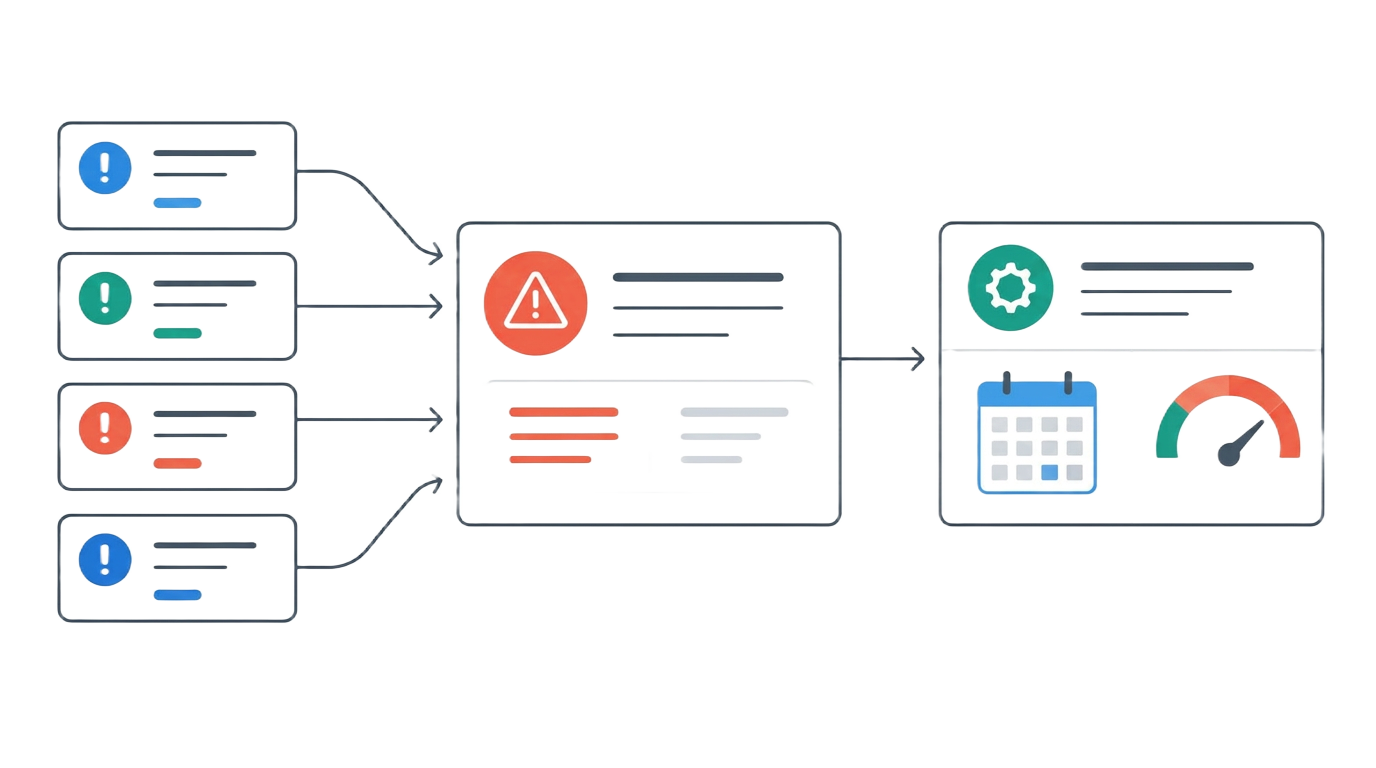
Incidents converging into a problem, linked onward to a change with calendar and risk gauge.
04

Problems, known errors & change control

  • Recurring issues collected into problems
  • Known errors
  • Changes with a shared calendar
  • Change risk assessment and approval
  • Linked incident → asset and supplier contract → problem → change
  • ITIL process review
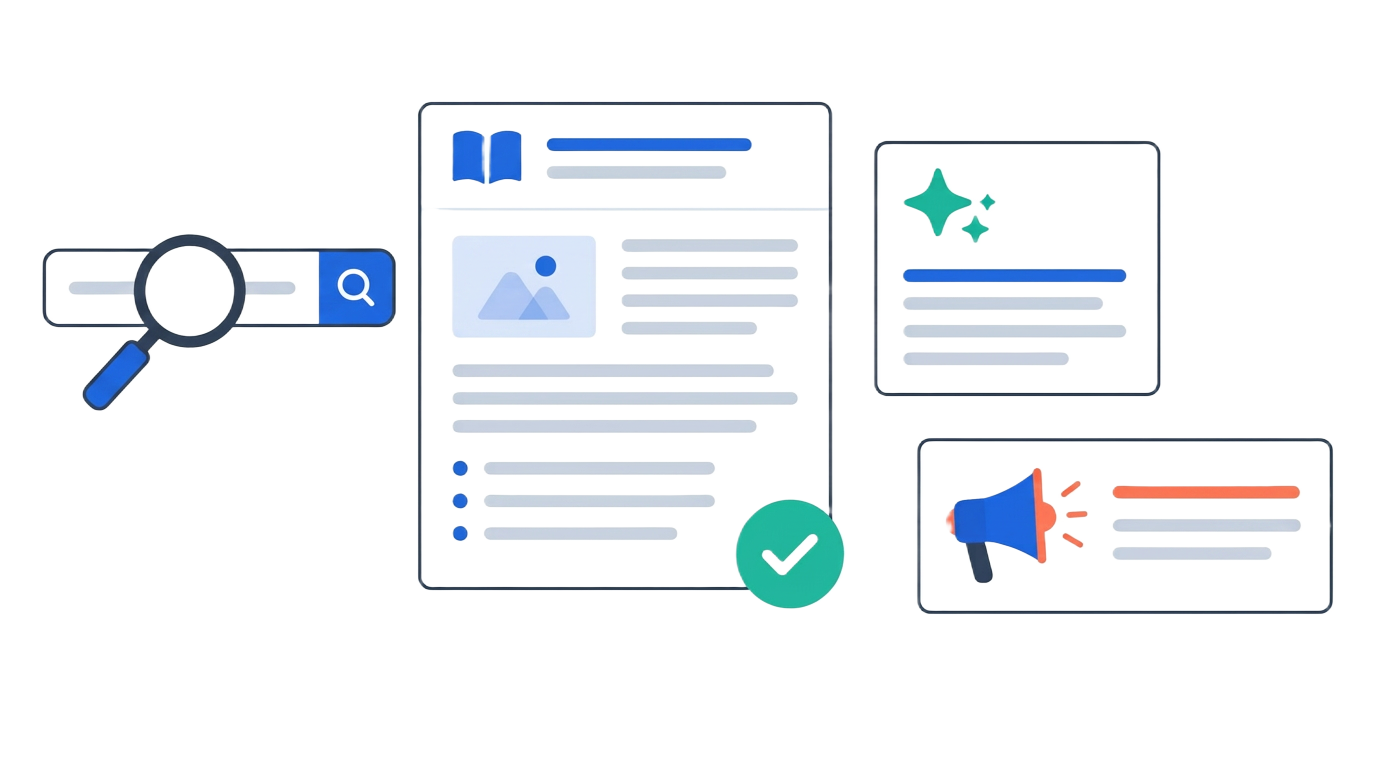
A published knowledge article with search, an AI answer suggestion and a news notice.
05

Knowledge, AI & employee self-service

  • Write, review and publish knowledge articles
  • Employee questions and answers in a community area
  • Knowledge surfaced in tickets and AI answers
  • AI suggestions for ticket category and priority
  • AI answers linked to source records, under the asker’s permissions
  • A person confirms every AI-created or changed record
  • IT news and outage visibility before a ticket is raised
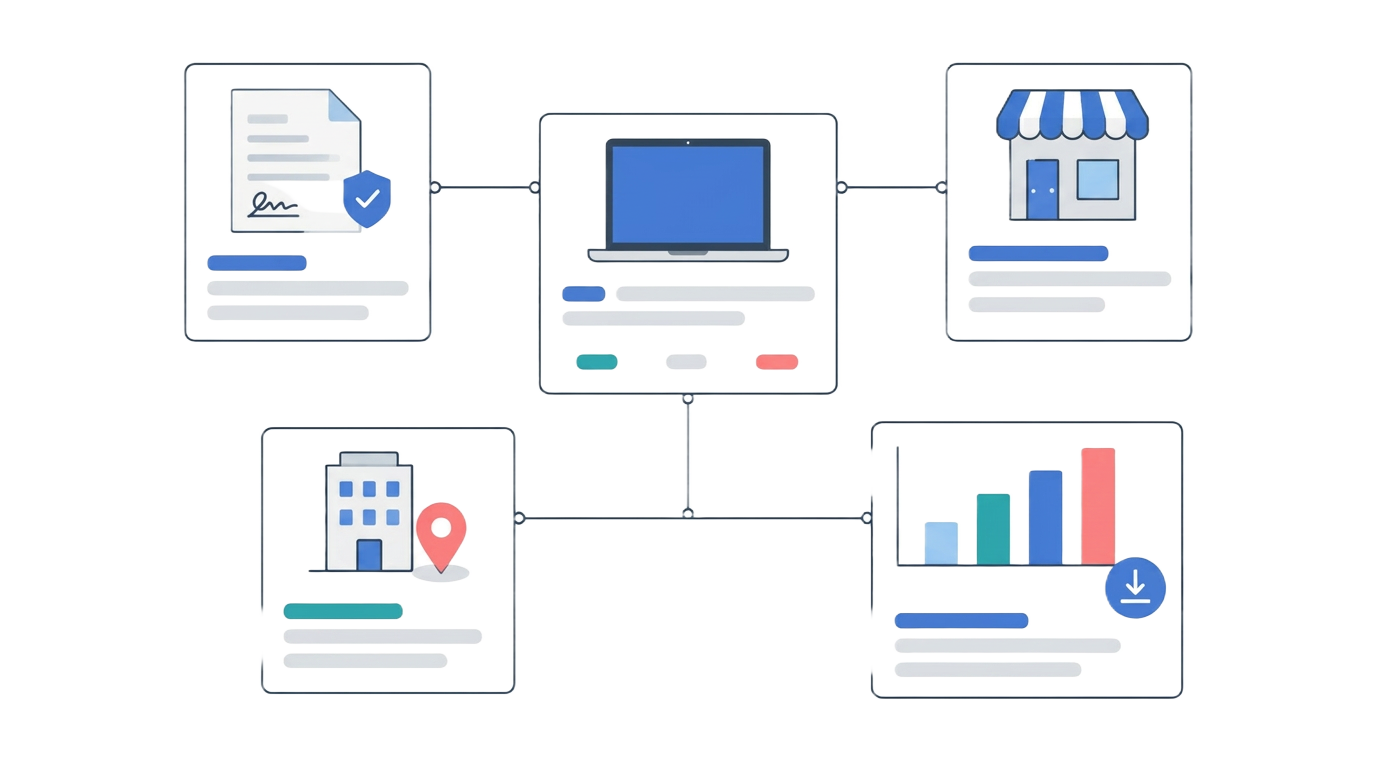
An asset linked to its contract, supplier, location and a report with export.
06

Assets, vendors, locations & reporting

  • Tickets linked to assets, contracts and supporting suppliers
  • Asset ownership, warranty and lifecycle context
  • Supplier performance reviews
  • Free vendor portal for own contracts and shared tasks
  • Staff approval before vendor submissions change records
  • Site equipment, applications, documents and work orders
  • Work orders routed by system and workload
  • Live permission-aware reports, AI chart drafts, CSV and PDF exports
04 / ANSWERS BEFORE TICKETS

Help employees help themselves.

Write, review and publish knowledge. Surface it in tickets and AI answers so the same question does not become the same ticket twice.

  • Popular services with one-click access to the right form
  • Request on behalf of a colleague
  • Live locations and approved-software dropdowns
  • Employee questions and answers
  • Public ticket tracking links and status notifications
  • News and outage visibility on the home page
Explore IT Unison AI
Employee self-service portal with service catalog, knowledge search and an AI conversation.
05 / WHEN SUPPORT CREATES A PURCHASE

From request to budget. Nothing re-keyed.

When fulfilment needs a purchase, the service flow connects to approvals, assets and spend.

  1. 01

    Request

    An employee selects a service. The form routes to the right team.

  2. 02

    Approve

    Line manager, then finance approve. Nobody approves their own purchase request.

  3. 03

    Fulfil

    The received purchase becomes an asset, assigned to the right person.

  4. 04

    Pay

    The invoice posts against its contract and cost centre.

  5. 05

    Plan

    Budget actuals update and feed the next planning cycle.

06 / SUPPORT THROUGH GO-LIVE

A clear path from setup to handover.

Service desk go-live in 4–7 weeks; full platform in 8–12 weeks, depending on size and scope. Implementation is a separate fixed fee.

  1. 01

    Design & prepare

    Agree processes, roles, configuration and migration scope with your engagement manager and solution architect.

  2. 02

    Service desk first

    Configure the catalog, queues, SLAs, changes and knowledge. Migrate people, assets, open tickets and articles.

  3. 03

    Train & expand

    Deliver recorded, role-based training and launch communications. Bring contracts, purchasing, budget and projects live in the second wave.

  4. 04

    Hypercare & handover

    Tune the platform with daily, then weekly check-ins and hand over to your success manager. Hypercare length depends on your package.

Implementation packages and included support
PackageScopeMigrationTrainingHypercareFixed fee
Service Desk Quick StartService deskPeople + 2,000 assets2 sessions14 days$9,000
LaunchFull platform · ~500 employeesUp to 5,000 records · 50 contracts5 sessions30 days$29,500
AccelerateFull platform · ~1,000 employeesUp to 10,000 records · 120 contracts8 sessions30 days$44,500
TransformFull platform · ~1,500 employeesUp to 20,000 records · 200 contracts10 sessions45 days$59,500

Full-platform packages include AI contract loading. Final scope and schedule are agreed in your fixed quote.

Implementation services
07 / AFTER GO-LIVE

Choose the support your team needs.

Premium success

A named success manager and quarterly reviews.

15% of subscription$6,000 minimum

Managed admin

Up to 8 hours of administration support each month.

$16,800 / yearOngoing administration

Health check

A dedicated health check option after go-live.

$3,600Confirm scope in your quote

These are the documented post-launch options. Support hours, contact channels and response-time commitments are confirmed in your agreement; no 24/7 coverage is implied.

Book a demo

Based on the supplied IT Unison website documentation. Workflow stages describe how capabilities connect, rather than fixed ticket status labels.

AI is included in every paid staff seat. Employees, approvers, read-only auditors and vendors are free. SAML SSO and SCIM are not yet released.

LET’S BRING IT TOGETHER

See your whole IT operation
on one screen.

A 30-minute demo, built around your tools and headcount.